One Link, Eight Different Jobs: What Your Bio Page Should Actually Do
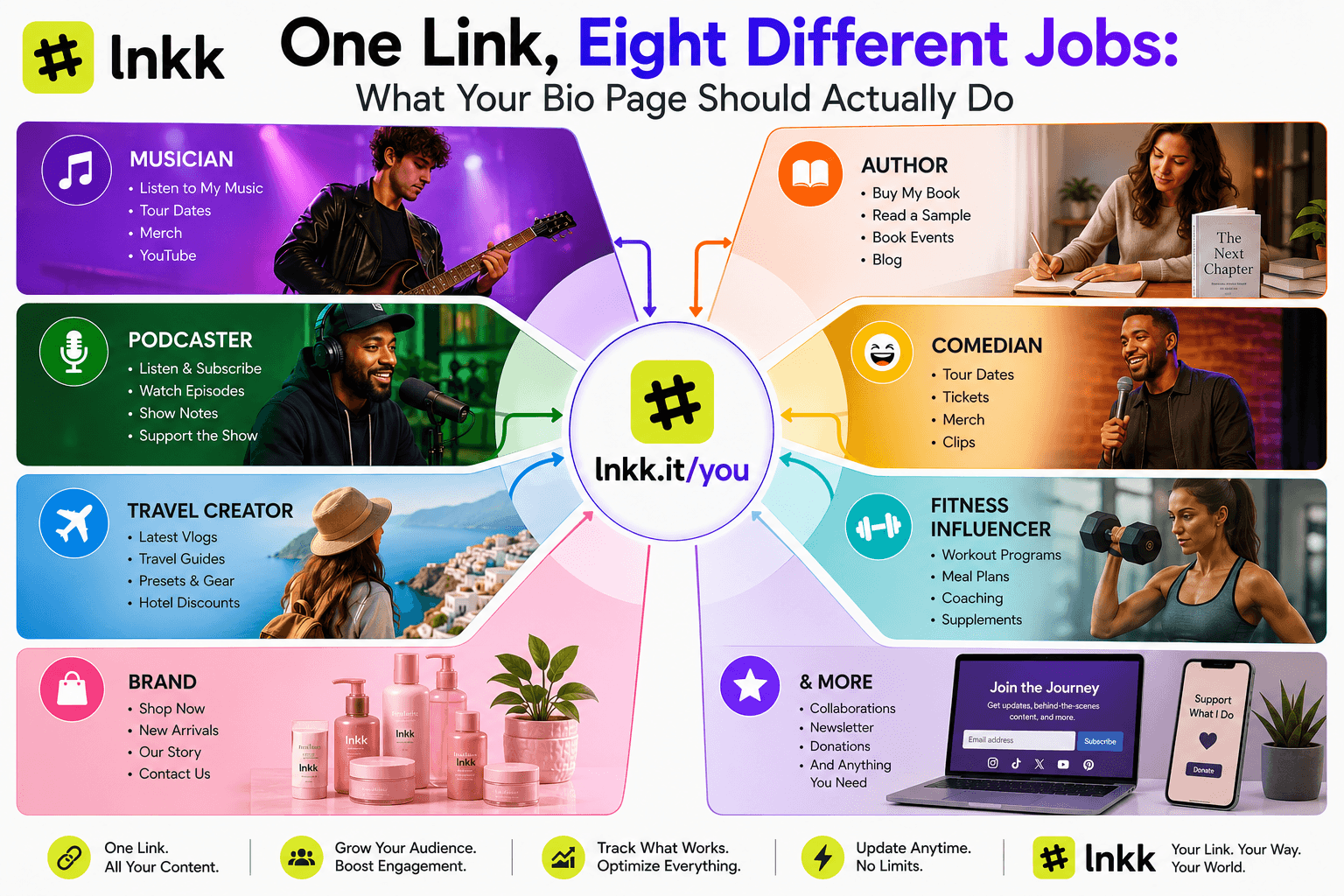
Here's an assumption almost every link-in-bio tool quietly makes: that a bio page is a bio page. Add your links, pick a theme, done — whether you're a musician, a novelist, or a plumbing company.
It's a reasonable assumption for a tool built to be generic. It's also wrong in a way that costs creators real conversions, because what a musician's fan needs to do on that page (choose a streaming platform, preview a track) has almost nothing in common with what an author's reader needs to do (pick a format, choose a retailer) or what a comedian's follower needs to do (find a tour date, buy a ticket).
We built eight dedicated versions of Lnkk.it's link-in-bio page around exactly this idea — not eight themes, eight actually different structures. Here's a tour through them.
🎵 Musicians: The Platform Doesn't Matter, the Song Does
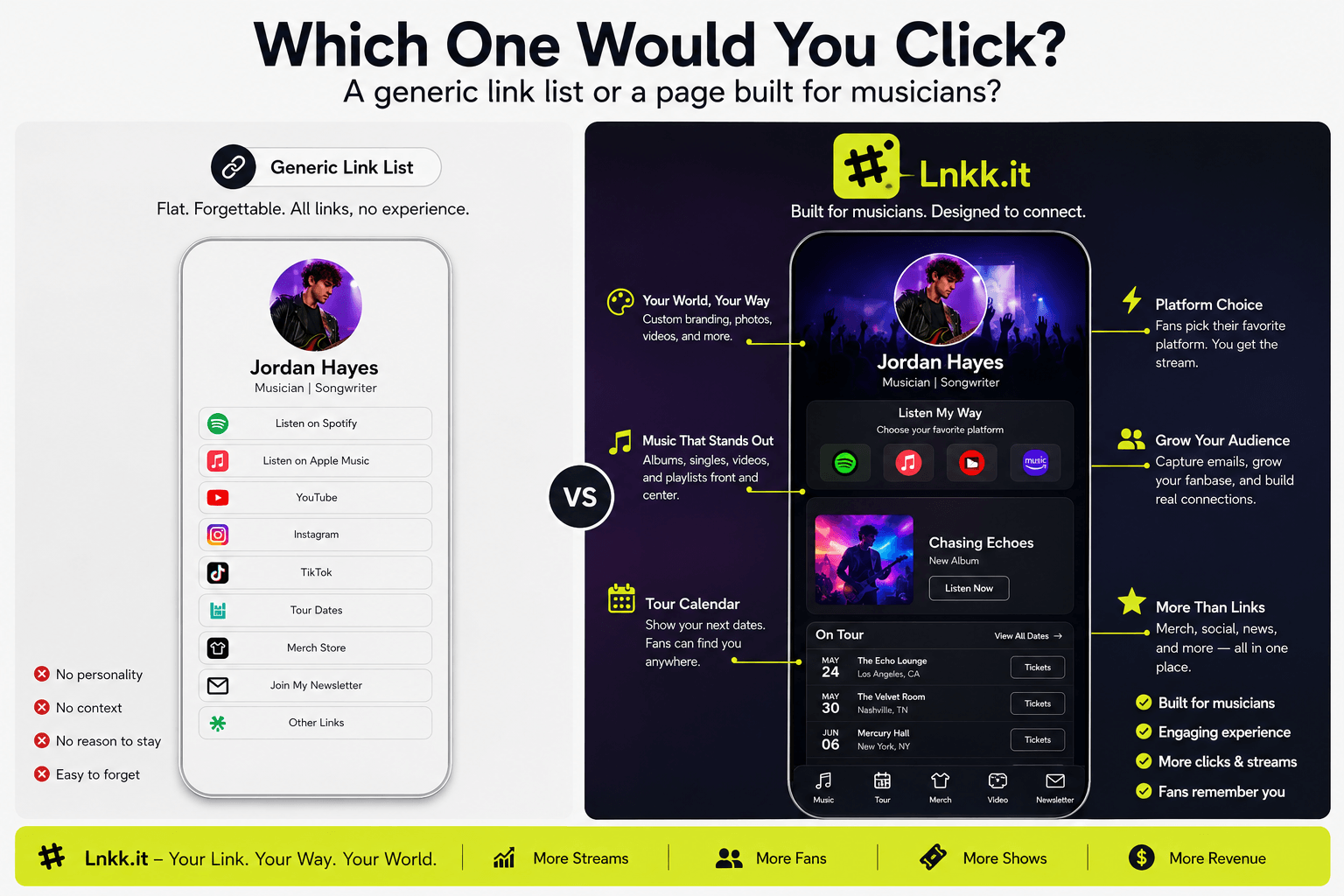
A fan who wants to hear your new single doesn't care whether they're a Spotify person or an Apple Music person — they care about hearing the song in one tap, on whatever they already have open. Lnkk.it's musician pages are built around a platform-choice modal: tap the track, and fans pick Spotify, Apple Music, YouTube Music, SoundCloud, Amazon Music, or Tidal from one interactive card — with the album artwork and a player preview shown automatically, not a plain text link that says "Spotify" and hopes for the best.
Tour dates live in an actual events calendar rather than a buried link, and merch sells directly through the page at 0% platform fee — the difference between a fan discovering your new release and a fan discovering your new release and buying a ticket to see it live, without leaving the page twice.
📖 Authors & Poets: One Book, Four Formats, Zero Confusion
A reader deciding whether to buy your book is really making two decisions at once: which book, and which format. Hardcover? Kindle? Audible? A generic bio link forces five separate URLs and a guessing game. Lnkk.it's author pages collapse that into a single book card — tap it, and a format-selector modal opens with Hardcover, Paperback, Kindle Ebook, and Audiobook options, each linking straight to the right retailer (Amazon, Audible, Barnes & Noble, Flipkart, Apple Books).
Poets get the same structure for anthologies, and every author page includes a direct 0% fee option for selling PDF ebooks or signed copies without routing through a retailer's cut at all — plus a dedicated slot for book tour and signing dates with RSVP buttons built in.
🎙️ Podcasters: The Episode Is the Product
A podcast bio link's whole job is getting someone from "saw this on Instagram" to "listening to the episode" in the fewest taps possible. Podcaster pages pin your newest episodes with embedded audio previews right on the page — no redirect to a podcast app required just to sample it — and build in a tip jar so listeners who want to support the show directly can, without you needing a separate Patreon or Ko-fi link cluttering the page.
😂 Comedians & Performers: Tour Dates Are the Whole Business
For a touring comedian, the bio link basically is the box office. Comedian pages are structured around exactly that: tour dates and ticket links front and center, alongside comedy reel clips so a new follower can sample the act before deciding whether tonight's show is worth the drive.
💪 Fitness & Health Influencers: The Page That Sells Without a Store
The fitness creator economy runs on a specific mix — 1:1 coaching calls, downloadable workout PDFs, and sponsor discount codes — and Lnkk.it's fitness pages are built to sell all three directly from the bio page at zero commission fee, rather than sending followers off to three different external tools to book a call, buy a guide, and redeem a code.
🏢 Brands & Businesses: Every Touchpoint, One URL
A business's bio link problem looks different from a creator's — it's less about personality and more about funneling every possible customer action into one place. Brand pages are built to route reviews, app download links, store locations/maps, FAQs, and a storefront all through a single clean URL, so a social bio link can do the job an entire "contact us" page used to.
✈️ Travel Vloggers: The Page That Updates Itself
Travel content moves fast — a new vlog every week, presets and gear lists that need to stay current. Traveler pages auto-sync your latest YouTube uploads so the page never goes stale, while selling Lightroom presets, itinerary PDFs, and camera gear lists alongside it — a mobile-first profile built for an audience that's almost entirely browsing from their phone between flights.
✨ Everyone Else: Chefs, Educators, Gamers, and Hundreds More
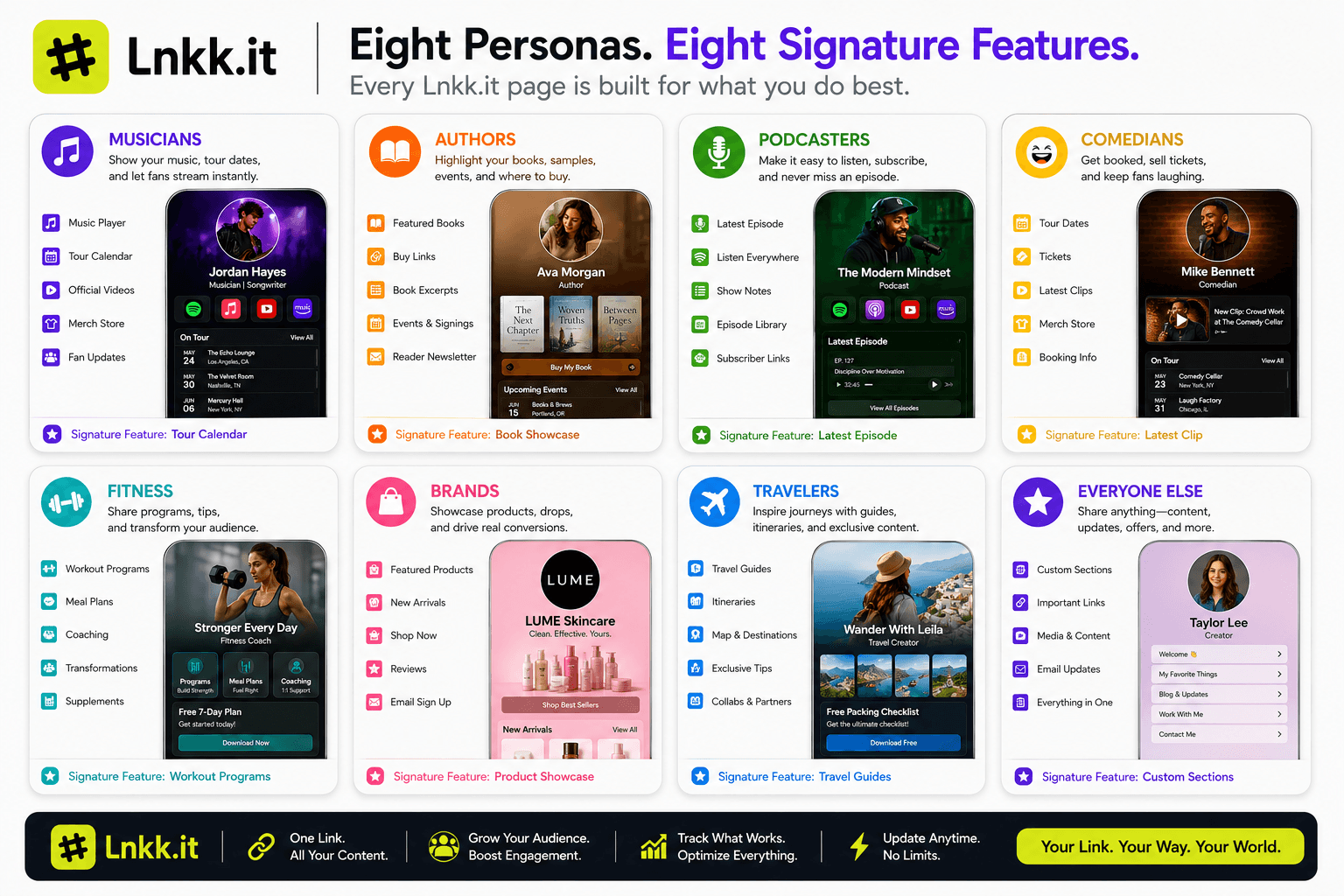
Not every creator fits neatly into seven categories, and that's fine — the same underlying toolkit (creator store, embeds, automation, analytics) adapts to chefs selling recipe ebooks, educators selling Notion templates, gamers listing affiliate gear links, or photographers and agencies building out portfolios. Browse the full template library if your specific niche isn't one of the eight above; the structure bends to what you're actually selling, not the other way around.
Why This Actually Matters Beyond Aesthetics
The deeper point here isn't "we have nice templates." It's that most link-in-bio tools treat every creator as needing the same flat list of buttons, when the actual job-to-be-done varies enormously by what you make. A musician needs a platform switcher. An author needs a format modal. A comedian needs a ticketing flow. Building each of those as an actual structural difference — not just a color scheme — is what separates a bio page that looks nice from one that converts.
Find your version at lnkk.it/link-in-bio — pick the closest match to what you create, or start from the general template library and build your own from scratch. Free forever, live in about 60 seconds.
YOU MAY ALSO LIKE
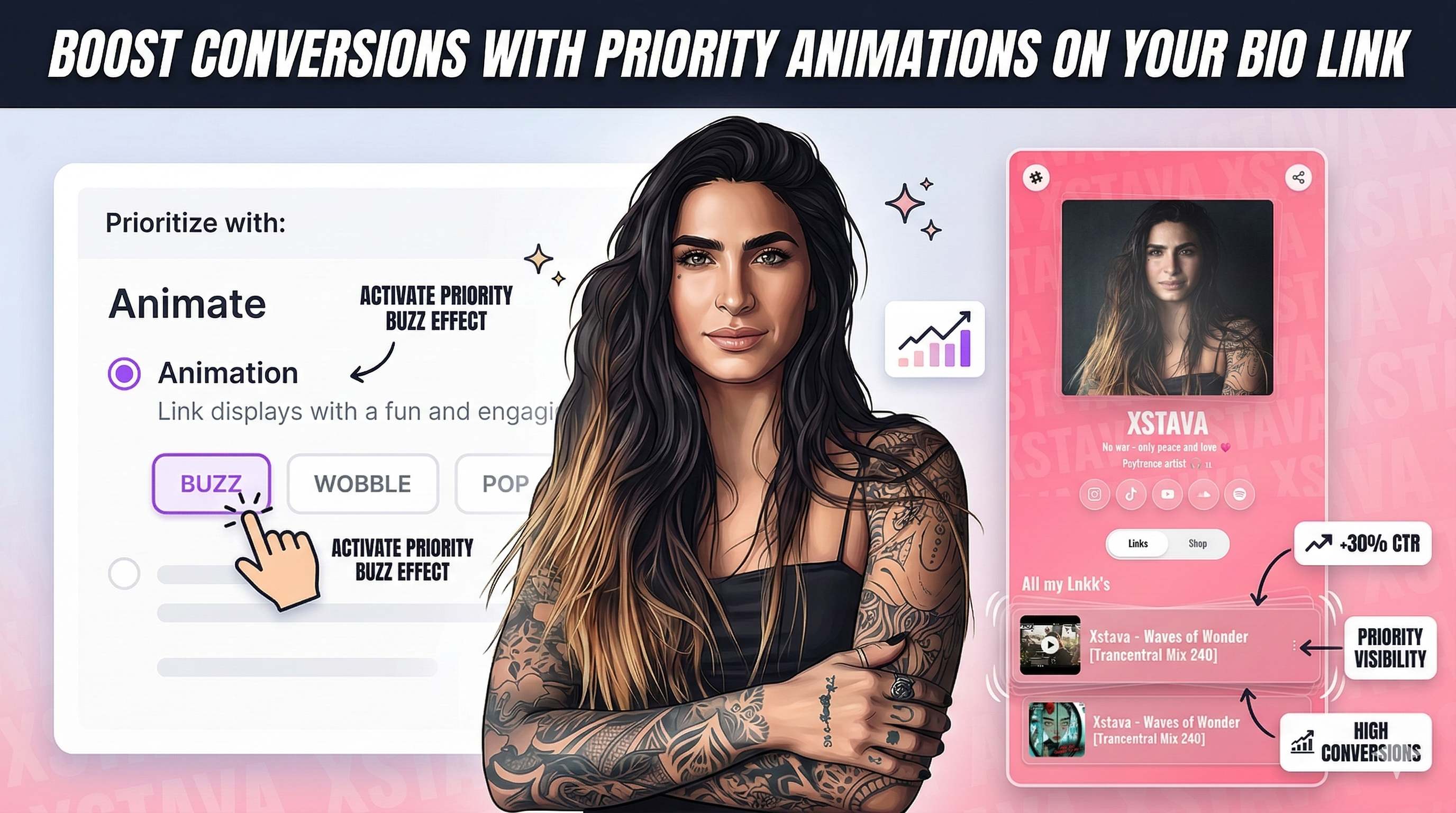
Boost Conversions with Priority Animations on Your Bio Link
Learn how to use Lnkk.it's new Priority Animations to highlight your most important link, product, or booking. Guide your visitors and skyrocket your click-through rates.
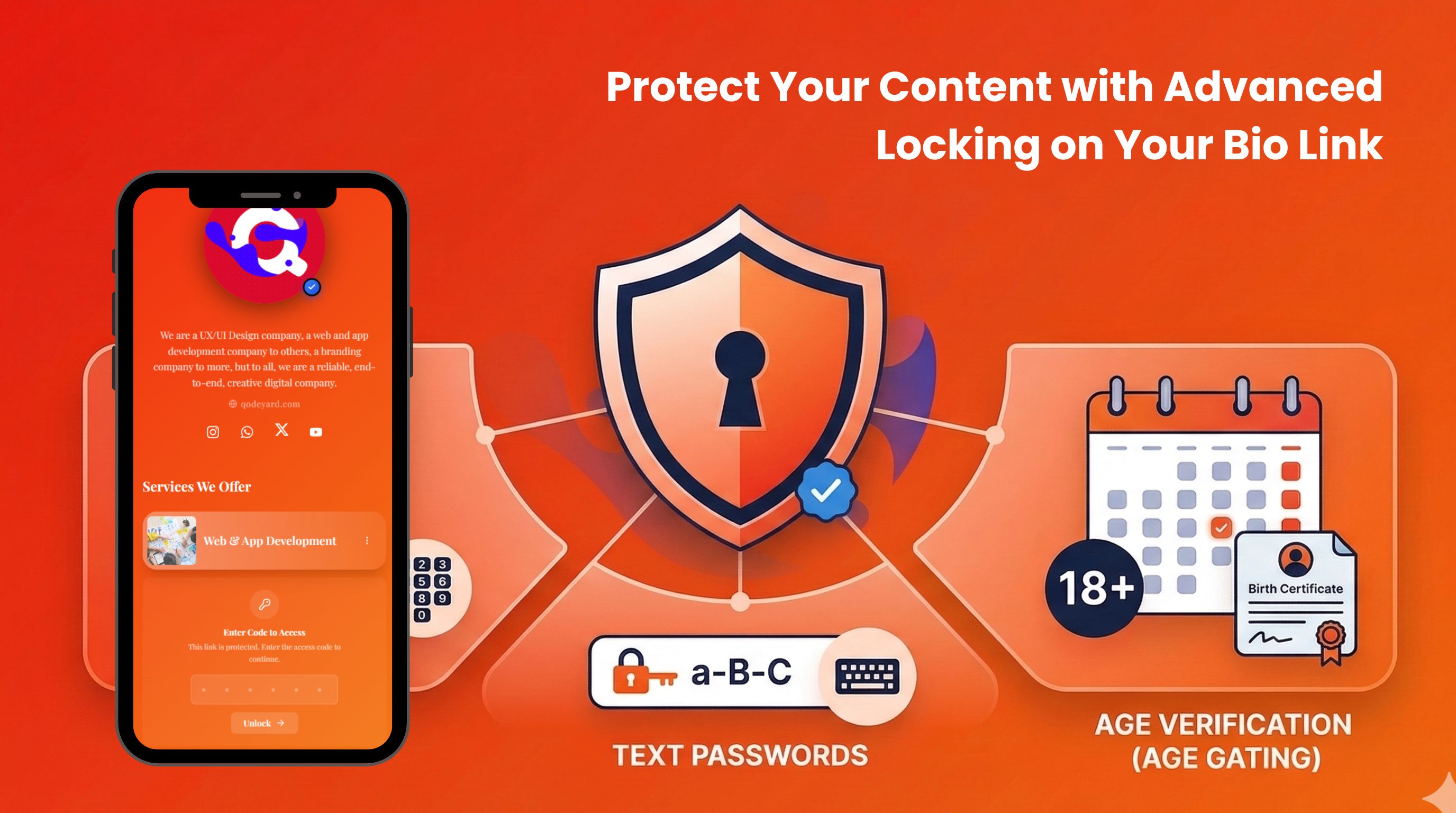
Protect Your Content with Advanced Locking on Your Bio Link
Lock any link, shop product, collaboration, event, or booking behind a code, password, date-of-birth gate, or sensitive content warning. Control exactly who sees what on your Lnkk.it page.
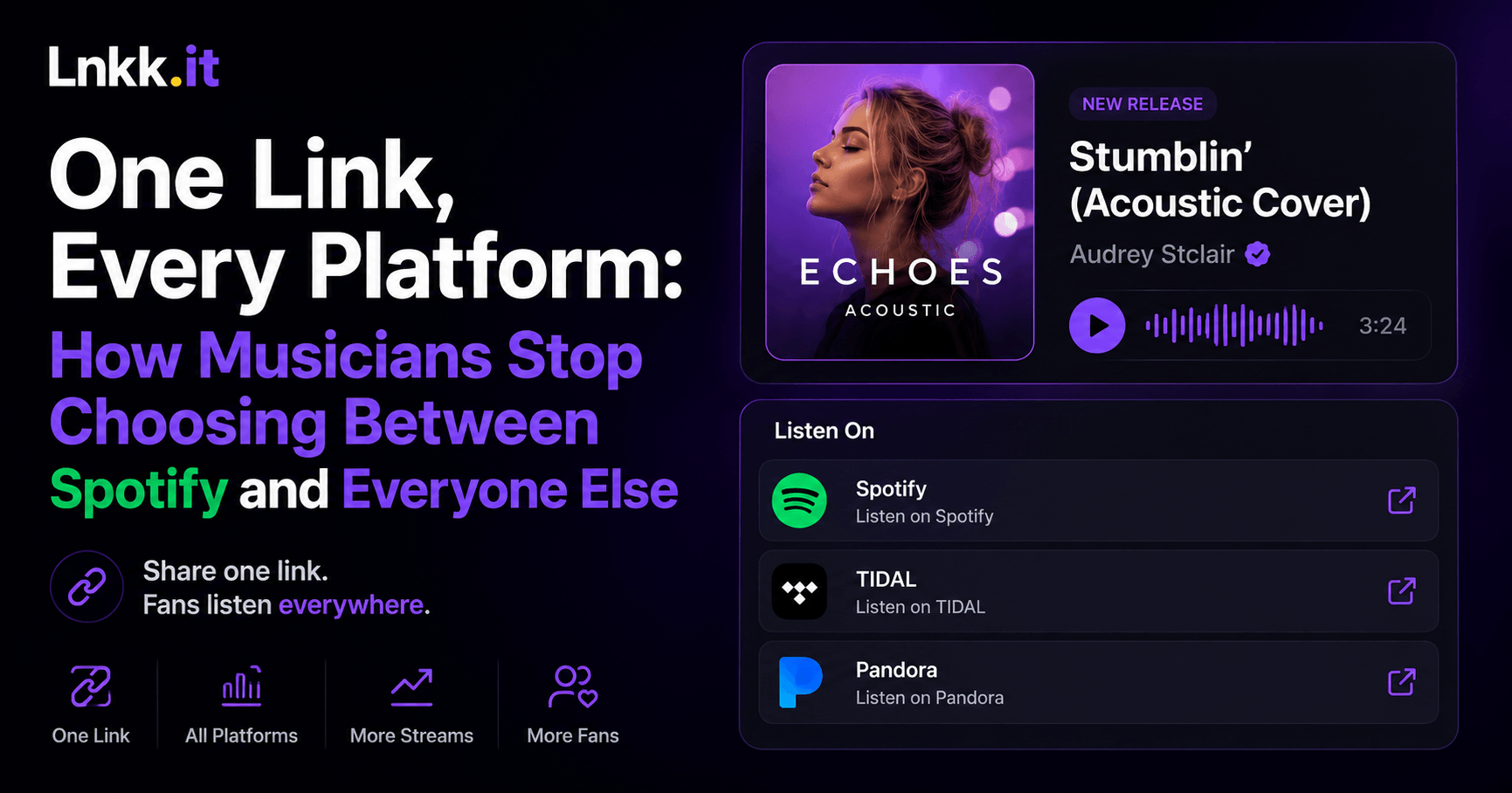
One Link, Every Platform: How Musicians Stop Choosing Between Spotify and Everyone Else
Paste one track link and let fans choose Spotify, Apple Music, TIDAL, or Pandora. Here's how musicians use Lnkk.it to stop picking one platform.