One Link, Every Platform: How Musicians Stop Choosing Between Spotify and Everyone Else
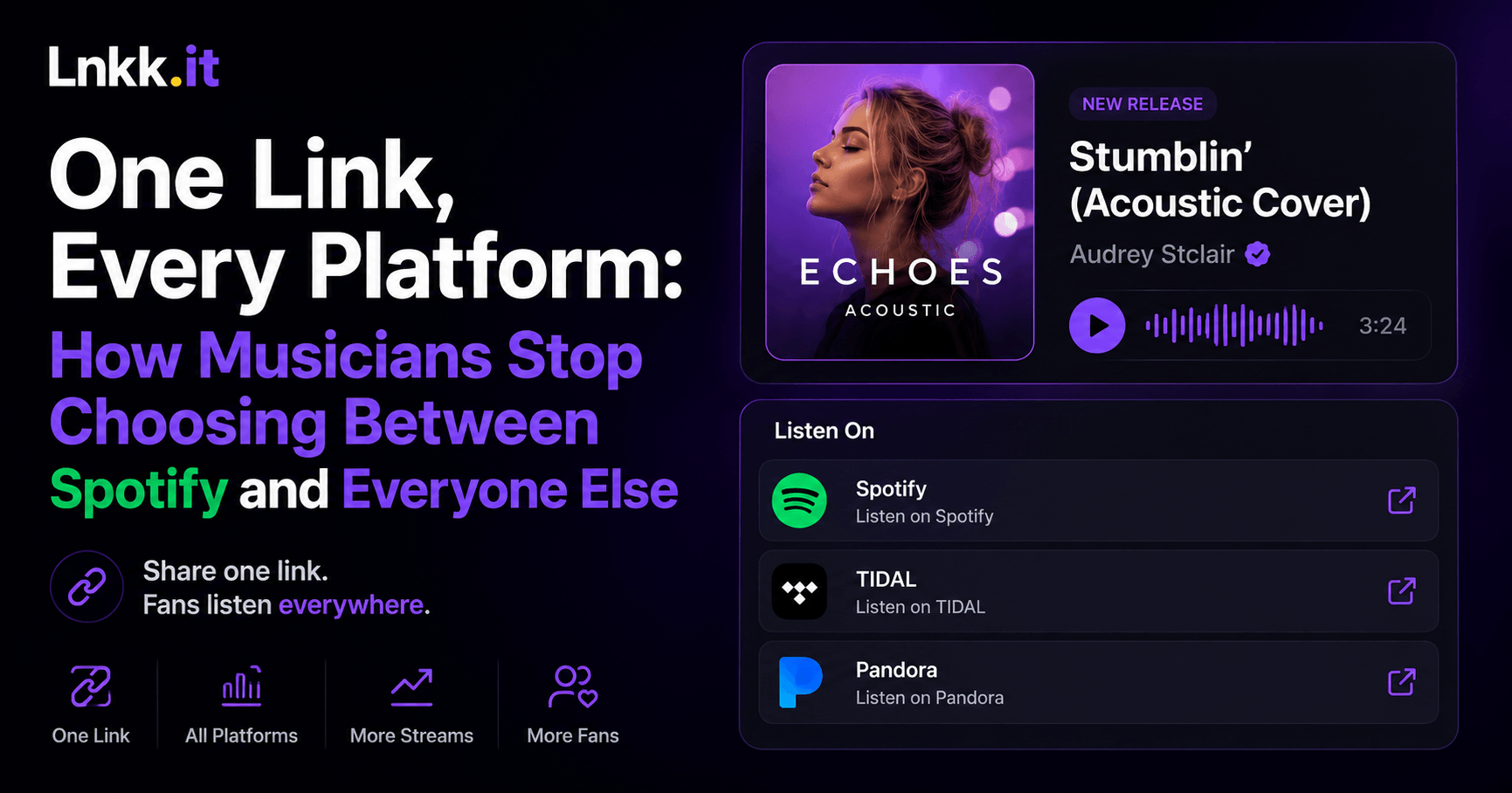
Every musician has run into this exact moment: you finish a new track, you're ready to share it, and then you hit the actual annoying part — which link do you post? Spotify loses the Apple Music listeners. Apple Music loses everyone on Android. SoundCloud loses basically everyone who isn't already a SoundCloud person. You end up either picking one platform and quietly losing fans on the others, or posting five separate links and hoping people scroll through all of them.
Here's the fix that's actually live right now on Lnkk.it's musician pages: paste one link — from whichever platform your track happens to live on — and let Lnkk handle showing it everywhere else.
How It Actually Works
Add a track by pasting a single URL — say, an Apple Music link. Lnkk auto-fetches the track art the moment you paste it, so you're not hunting down and uploading cover art separately. From there, you choose exactly how fans experience it.
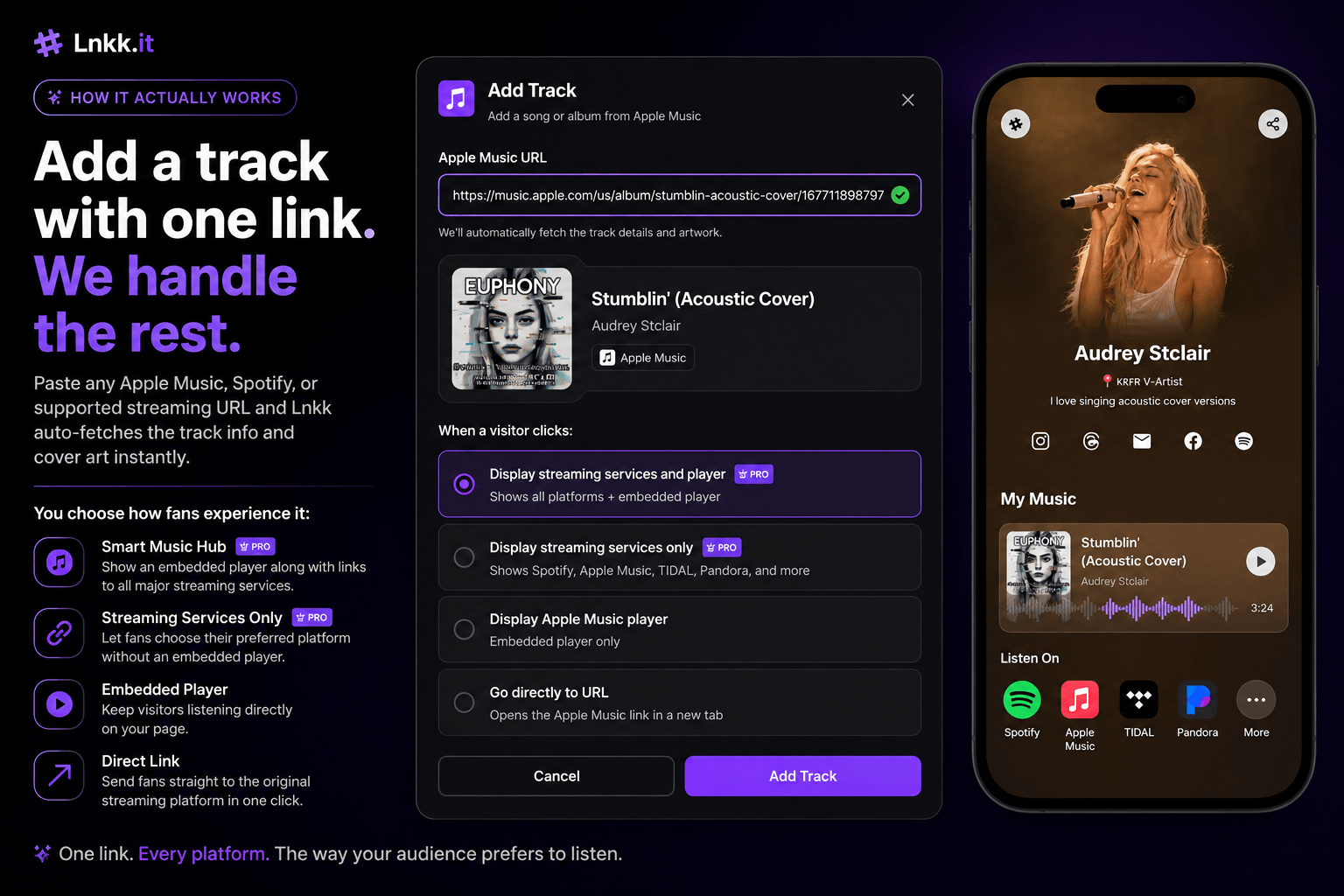
Streaming Services + Player — the most popular choice. Shows every platform a fan might already use (Spotify, TIDAL, Pandora, and more), plus an embedded player so they can preview the track without leaving your page at all.
Streaming Services Only — the same multi-platform list, without the embedded player, for a cleaner look.
Single Platform Player — just one embedded player, if you'd rather funnel everyone toward one specific service.
Go Directly to URL — skips the menu entirely and opens your original link straight away, for when speed matters more than choice.
Whichever option you pick, you also choose a layout — Classic for an efficient, compact card, or Featured for a bigger visual treatment with the artwork leading. Add a category label too (most artists just use "My Music"), and it's live.
What Fans Actually See
This is the part that matters most. When someone taps a track built this way, they don't get dumped straight into an app they might not use — they get a Listen On panel showing every platform the track is available on, each with its own icon, so they pick whatever they've already got open.
It's a small thing, but it's the difference between "here's my Spotify link, sorry if you're not on Spotify" and genuinely meeting every fan where they already are.
Already Live: Real Artist Pages Built This Way
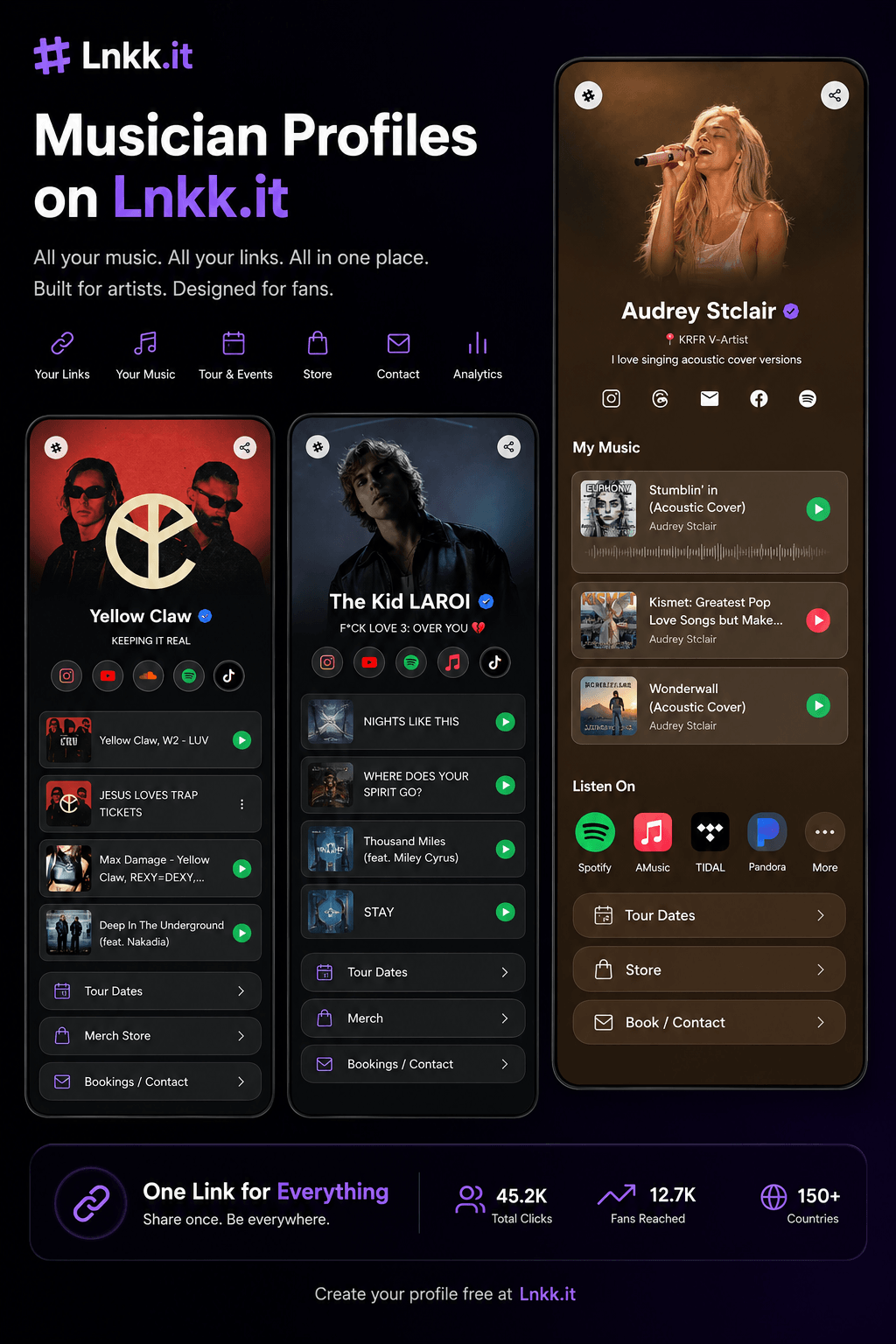
This isn't a hypothetical feature — it's already how a range of artists are running their pages:
Aida Arko — an electronic/DJ profile with a full "My Music" section stacking remixes, podcast features, and festival set videos side by side, each with its own play button and preview
Yellow Claw — a dark, brand-forward page with singles and release cards laid out cleanly, each tappable straight into a play preview
The Raja Kumari — using the same music-card structure to keep releases current and browsable in one scroll
Audrey Stclair — an acoustic-cover artist whose page shows the Listen On panel in action: tap a track, and Spotify, TIDAL, and Pandora all show up as real options, each linking straight out to that platform
Kartavya — another live example of the same music-first page structure
What's notable across all of them: the "My Music" section isn't limited to just streaming links, either. Aida Arko's page mixes in a podcast feature (Seedj) and a full festival set video alongside the track list — the same card format handles music, video, and audio content without needing a separate section for each.
Setting This Up Yourself
From your Lnkk.it dashboard, add a new music item to your page
Paste the link from whichever platform your track is already on
Let the track art auto-fetch — no manual upload needed
Choose your display option (Streaming Services + Player is the most fan-friendly default)
Pick Classic or Featured layout, add a category if you want one, and save
The whole flow takes under a minute per track, and once it's set, fans on any platform get the version of "listen now" built for them specifically — not the one you happened to have the link for.
FAQ
Does this work if my track is only on one platform? Yes — you can still use the single-platform player or go-directly-to-URL option if there's genuinely only one place to hear it.
Can I mix music with other content on the same page? Yes — as seen on Aida Arko's page, podcast features and video content use the same card format alongside straightforward tracks.
Which display option do most artists use? Streaming Services + Player is the most popular choice, since it gives fans a preview and a direct path to their preferred platform in one card.
Do I need a Pro plan for the multi-platform Listen On panel? The "Display streaming services and player" and "Display streaming services" options are Pro features — check current plan details on the pricing page.
Ready to stop picking one streaming platform over the others? Build your musician page — paste your first track and see the Listen On panel for yourself.
Looking for other ways to structure your bio page? Browse the full template library.
YOU MAY ALSO LIKE
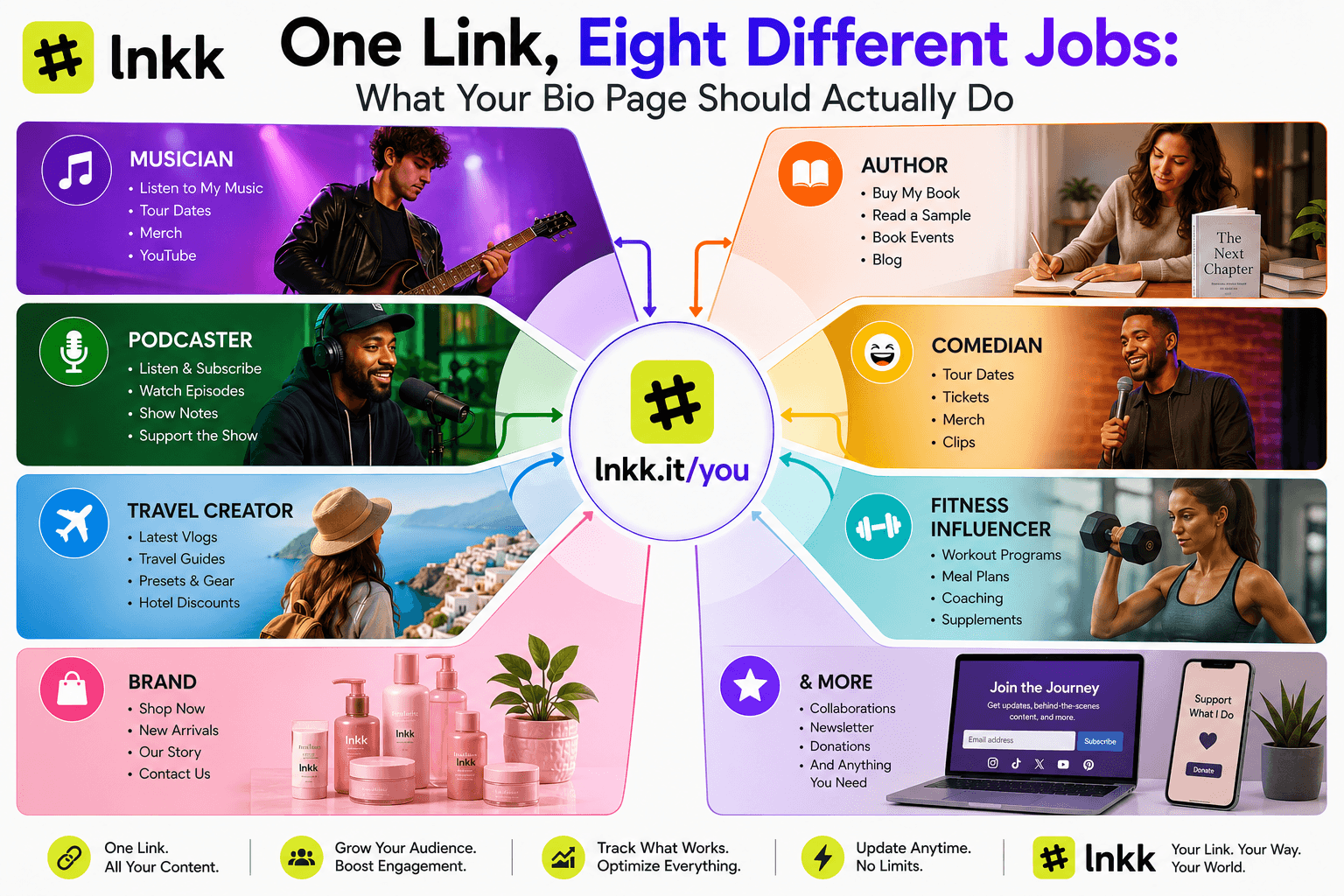
One Link, Eight Different Jobs: What Your Bio Page Should Actually Do
A musician's bio link and an author's bio link shouldn't work the same way. Here's how Lnkk.it builds a different page for every creator type.
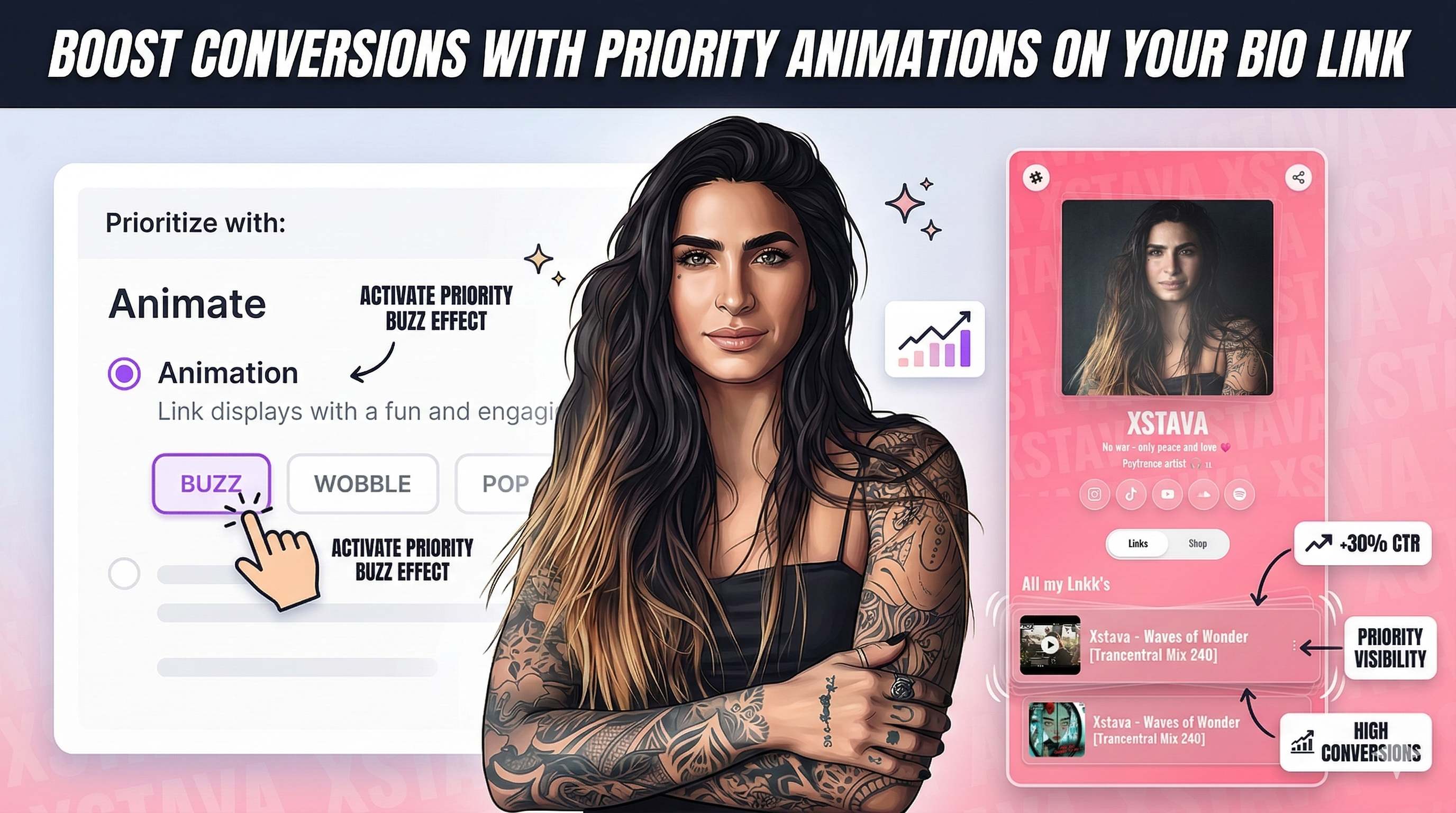
Boost Conversions with Priority Animations on Your Bio Link
Learn how to use Lnkk.it's new Priority Animations to highlight your most important link, product, or booking. Guide your visitors and skyrocket your click-through rates.
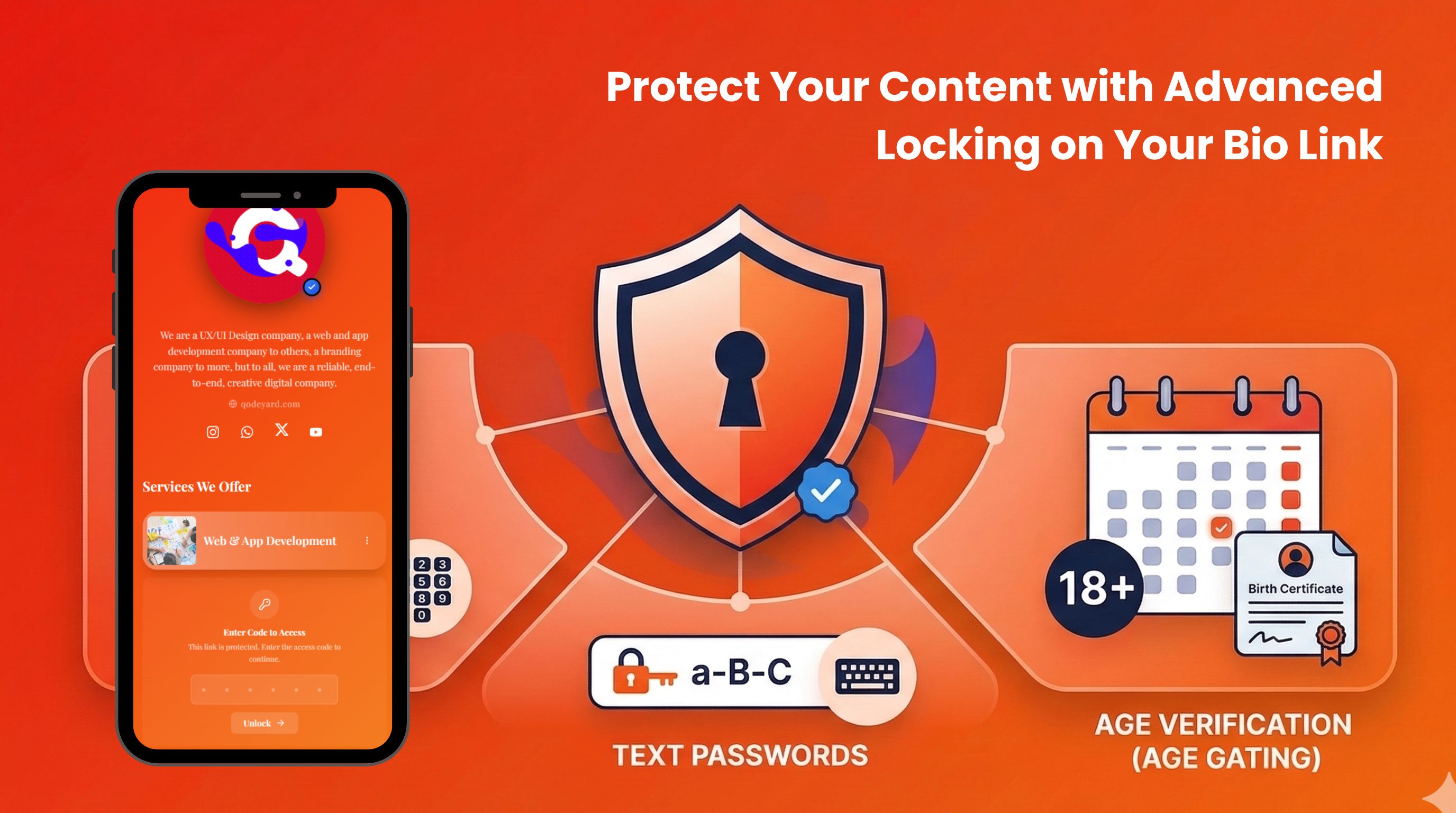
Protect Your Content with Advanced Locking on Your Bio Link
Lock any link, shop product, collaboration, event, or booking behind a code, password, date-of-birth gate, or sensitive content warning. Control exactly who sees what on your Lnkk.it page.