Instagram Comment-to-DM Automation: The Complete Guide for Creators (2026)

If you've ever posted "comment LINK and I'll send it to you" and then spent the next two hours manually replying to 300 comments one by one, you already understand the problem. You also already understand why creators are moving to comment-to-DM automation — it does that same job in real time, at any scale, without you touching your phone.
This guide covers what comment-to-DM automation actually is, why it's become one of the more effective growth levers on Instagram in 2026, and how to set it up for free using Lnkk.it's Instagram Automation.
Why Comments Matter More Than Ever in 2026
Instagram no longer runs on one algorithm — it runs on separate ranking systems for Feed, Reels, Stories, and Explore, each weighing different signals. But one theme shows up across all of them: conversation depth and DM activity now carry more weight than passive likes. Comments that spark real back-and-forth, and DMs that follow from them, tell Instagram's ranking systems that your content is worth showing to more people — not just the comment count itself, but what happens after (Hootsuite, 2026).
That's exactly the mechanism comment-to-DM automation is built to take advantage of: it turns a single post into a chain of comments, DMs, and follow-backs, all of which are exactly the signals the algorithm is already primed to reward.
What Is Comment-to-DM Automation?
Comment-to-DM automation watches your Instagram posts and Reels for a specific keyword in the comments — say, "LINK," "GUIDE," or "PRICE" — and automatically sends that commenter a DM the moment they type it. No app-switching, no manual copy-pasting, no missed comments while you're asleep.
Done properly, it runs entirely on Meta's official Instagram API (Meta for Developers), which matters more than it sounds — plenty of cheaper automation tools rely on unofficial scraping methods that put your account at risk of restrictions. Lnkk.it's Instagram Automation is built on Meta's approved API for this reason.
The Engagement Flywheel
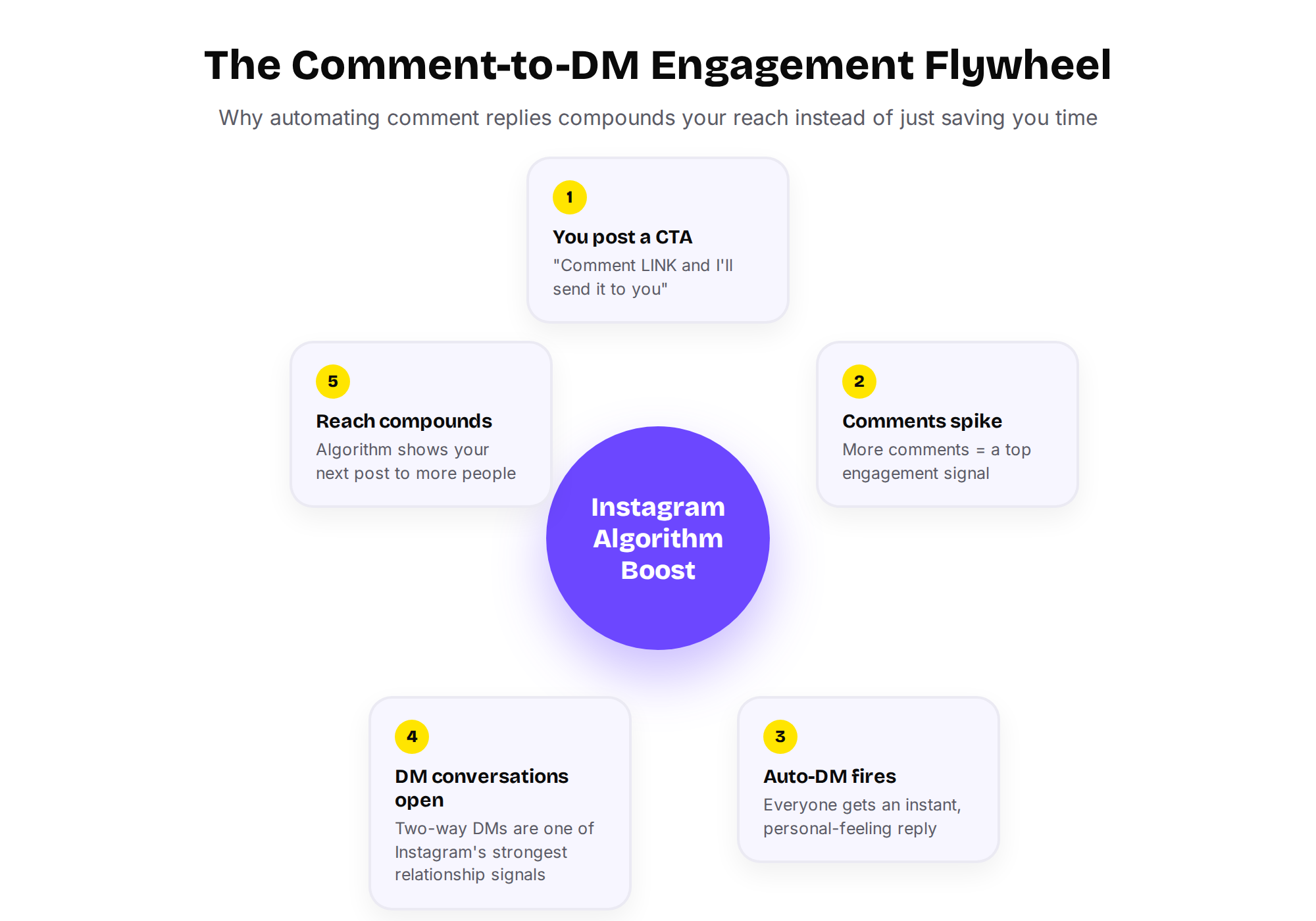
Here's why this is worth setting up even if you don't think you need "another tool" — it doesn't just save time, it compounds.
You post with a comment-triggered CTA
Comments spike — a strong engagement signal on its own
Everyone who comments gets an instant, personal-feeling DM
That DM often turns into a real two-way conversation — one of Instagram's strongest relationship signals
Your next post reaches more people, because the algorithm now reads your account as one people actively talk to
Each stage feeds the next. This is the same mechanic behind almost every "comment X for the link" post you've seen from bigger accounts — they're not doing it manually.
Four Ways Creators Actually Use It
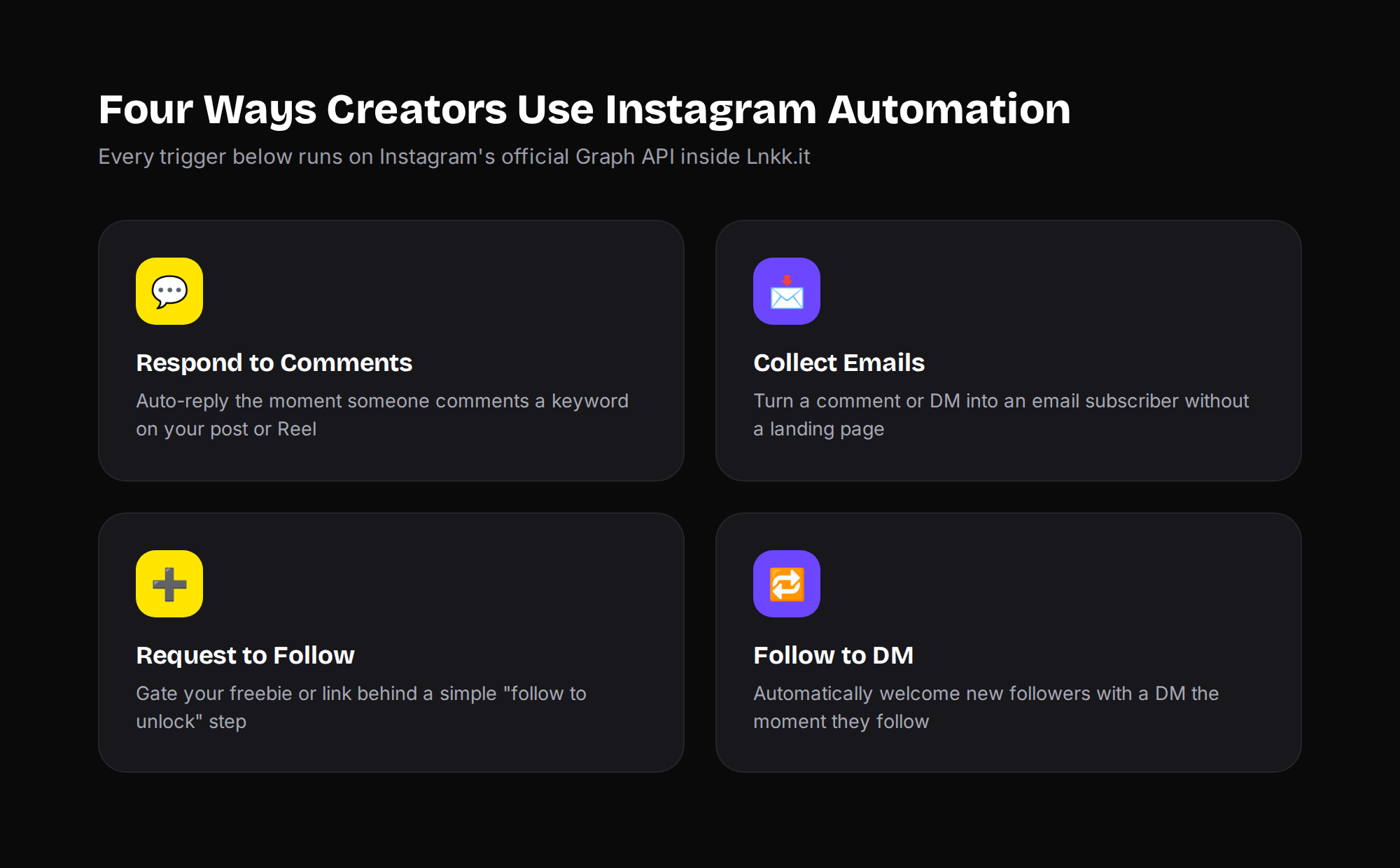
Comment-to-DM isn't the only trigger worth automating. Inside Lnkk.it's Instagram Automation, there are four core use cases creators lean on:
Respond to Comments — the classic "comment KEYWORD" trigger, ideal for freebies, waitlists, and link drops
Collect Emails — turn a comment or DM reply directly into an email subscriber, no landing page required
Request to Follow — gate your freebie behind a simple "follow to unlock" step, which grows your follower count alongside your list
Follow to DM — automatically welcome every new follower with a DM the second they follow, while the relationship signal is freshest
Most creators end up stacking two or three of these — for example, requiring a follow and a comment before the DM fires, which builds your audience and your list from the same single post.
Manual Replies vs. Automated — What Actually Changes
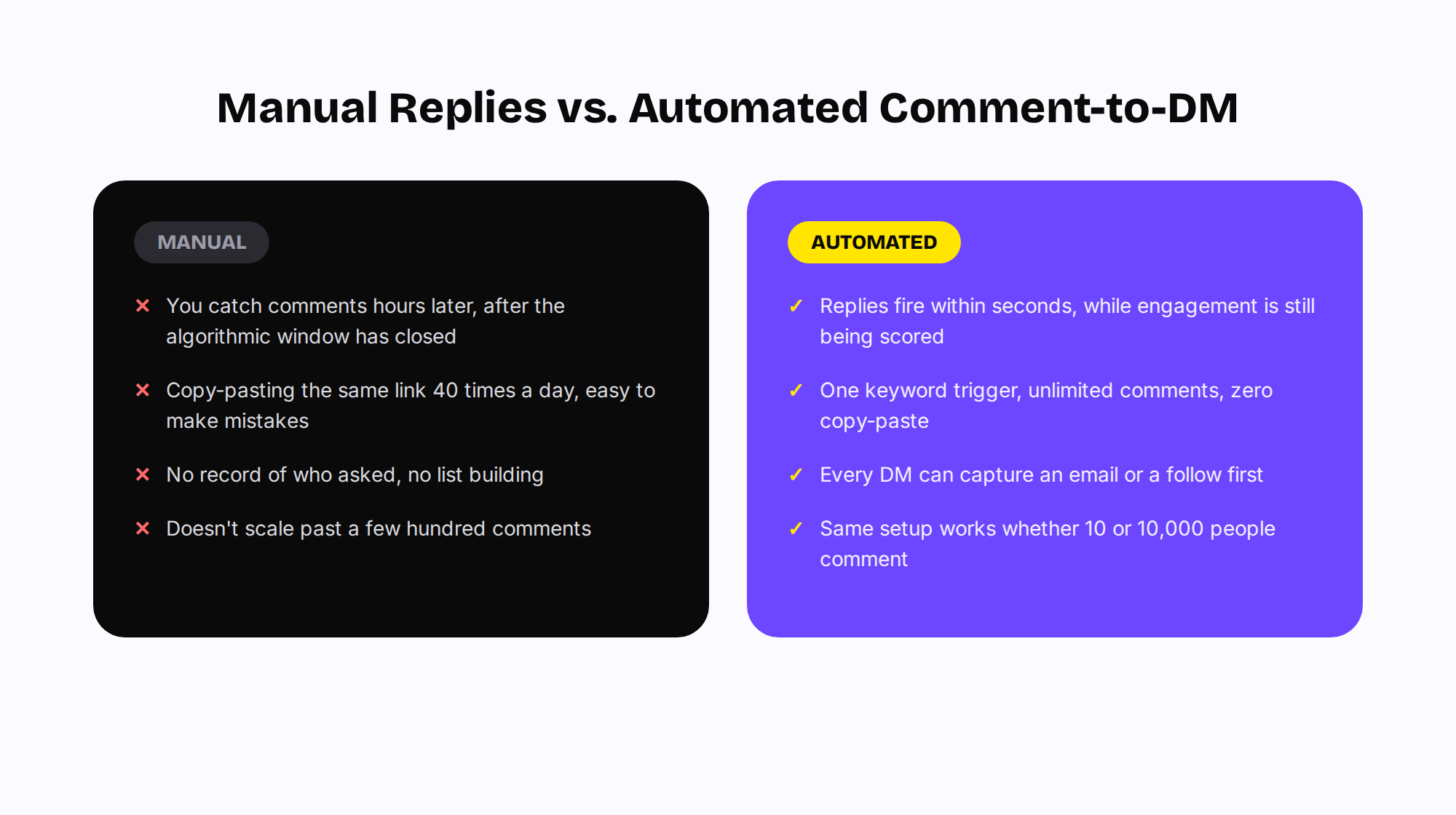
The honest case for automating this isn't just "it's faster." It's that manual replies are structurally worse at the thing that matters:
Manual replies usually land hours after posting — after the algorithm's early-engagement window has already been scored
Automated replies fire within seconds, while your post is still being actively evaluated for wider distribution
Manual replies capture nothing — automated ones can capture an email address or a follow before the link is sent
Manual replies fall apart past a few hundred comments; automated ones handle 10 or 10,000 identically
How to Set It Up (Free, No Code)
Connect your Instagram Business or Creator account inside your Lnkk.it dashboard — this uses Meta's official login, the same permission flow Instagram itself requires for any automation.
Choose a trigger: a specific post, a keyword, or "any comment."
Write your DM reply — you can include your link-in-bio page, a Creator Store product, or a plain link.
Optionally require a follow or capture an email before the reply sends.
Publish your post with the CTA in the caption, and the automation runs in the background from there.
The free plan covers your first automation; if you're running multiple triggers across posts and Reels, check the pricing page for unlimited automations on the Plus tier.
How This Compares to Dedicated Automation Tools
Tools like ManyChat pioneered comment-to-DM automation, but they're built purely as a messaging layer — you still need a separate bio link, store, and analytics setup elsewhere. Lnkk.it bundles automation with the bio page, store, and email list it's meant to feed. See the full breakdown on our Lnkk.it vs. ManyChat comparison page if you're currently juggling both.
A Quick Compliance Note
Because this runs on Meta's official API, there are a few built-in guardrails worth knowing about: DMs can only be sent to people who've interacted with your account first (a comment, a follow, a story reply), and there are Meta-set limits on messaging frequency to prevent spam. This is exactly why "official API" tools are safer for your account long-term than gray-market scraping tools — you're working within Instagram's own rules, not around them.
Pair It With the Rest of Your Bio
Comment-to-DM automation works best as one piece of a larger setup, not a standalone trick:
Send new DMs to a link-in-bio page that actually converts, not just a flat list of links
If you're pitching brands off the back of higher engagement, keep your media kit auto-updated so your stats are always current
If the DM is selling something directly, send it straight to a Creator Store product page instead of a generic homepage
FAQ
Is Instagram comment-to-DM automation against Instagram's rules? No — as long as it runs through Meta's official Instagram API and respects messaging limits, it's fully compliant. Problems only arise with tools that scrape Instagram outside of Meta's approved integrations.
Do I need a Business or Creator account? Yes. Comment-to-DM automation requires an Instagram Business or Creator account connected through Meta's official login.
Can I trigger a DM from multiple keywords on the same post? Yes — you can set up multiple keyword triggers per post, each sending a different DM reply.
Will this work on Reels as well as photo posts? Yes, comment triggers work across both Reels and standard feed posts.
Ready to stop replying to comments by hand? Set up your first automation free — it takes about five minutes to connect and publish your first trigger.
Looking for more growth tactics? Browse the rest of the Lnkk.it blog for creator tips, comparisons, and platform tutorials.
YOU MAY ALSO LIKE
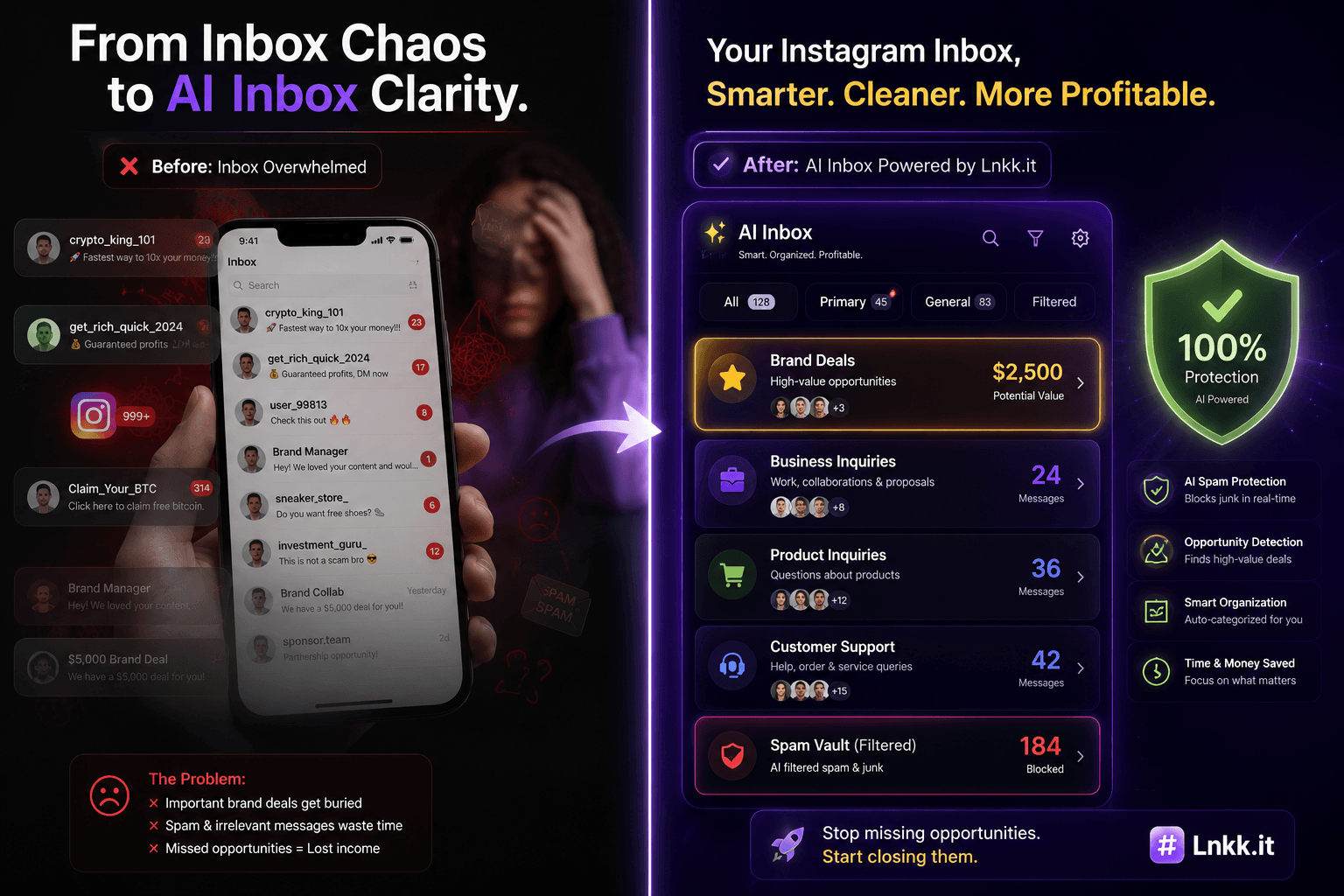
The $10,000 DM Ghost: How AI Inbox Saves Lost Brand Deals
Stop letting $2,000+ brand collaboration offers get buried under 500 spam DMs. Discover how AI-powered Instagram DM classification auto-detects deals, filters out junk, and turns your inbox into a 6-figure commercial engine.
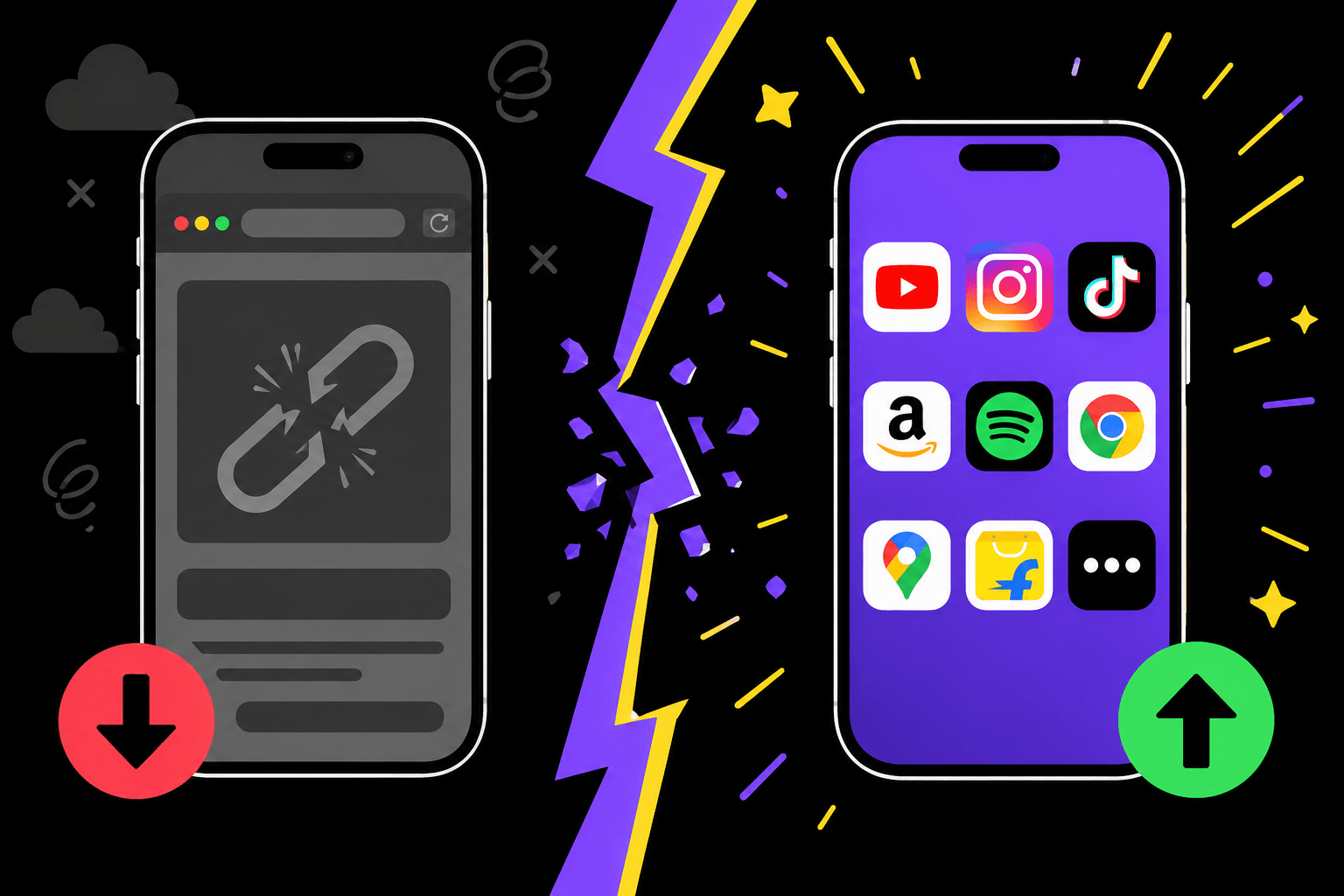
Why Your Instagram Bio Link Isn't Converting (The In-App Browser Problem)
Your Instagram or TikTok bio link may be losing up to 70% of clicks to the in-app browser problem. Learn why it happens and how smart app-opening links fix it.
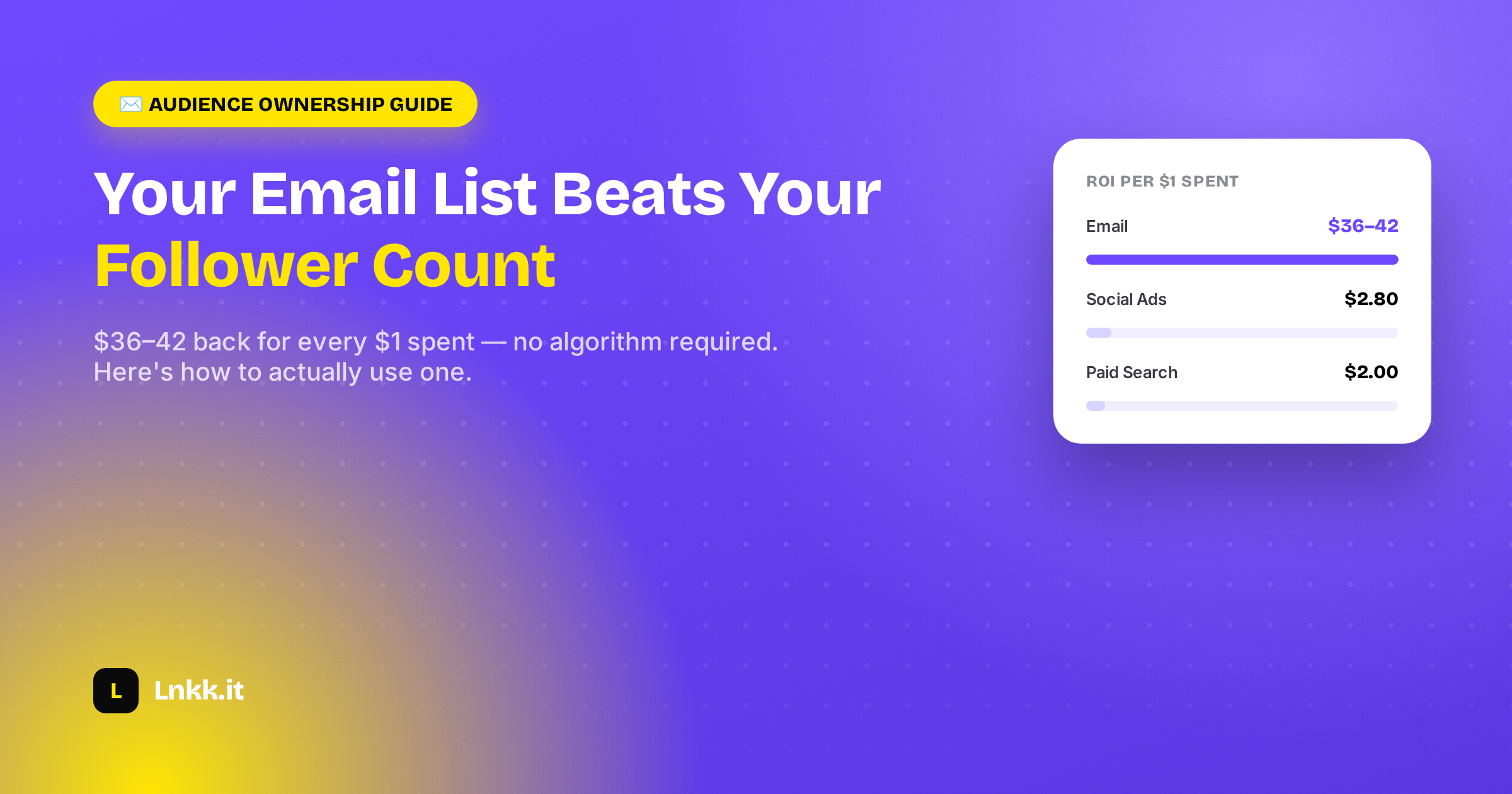
Your Email List Is Worth More Than Your Follower Count (Here's How to Actually Use One)
Email delivers $36-42 back per $1 spent — no algorithm required. Here's how creators turn a list into an owned, revenue-generating channel.